
AI Bookkeeping Essentials: How the New Tools Work
Introduction
AI bookkeeping tools are becoming essential for small businesses in 2025. They save time, reduce manual data entry, and offer smarter insights than traditional software alone. If you’re new to this topic, this short guide explains what AI bookkeeping actually does — in simple, practical terms — and how it fits into your everyday workflow.
For a full overview of how AI supports accounting and small business workflows, see my main guide on AI in Accounting for Small Business Growth Insights.
What Are AI Bookkeeping Tools?
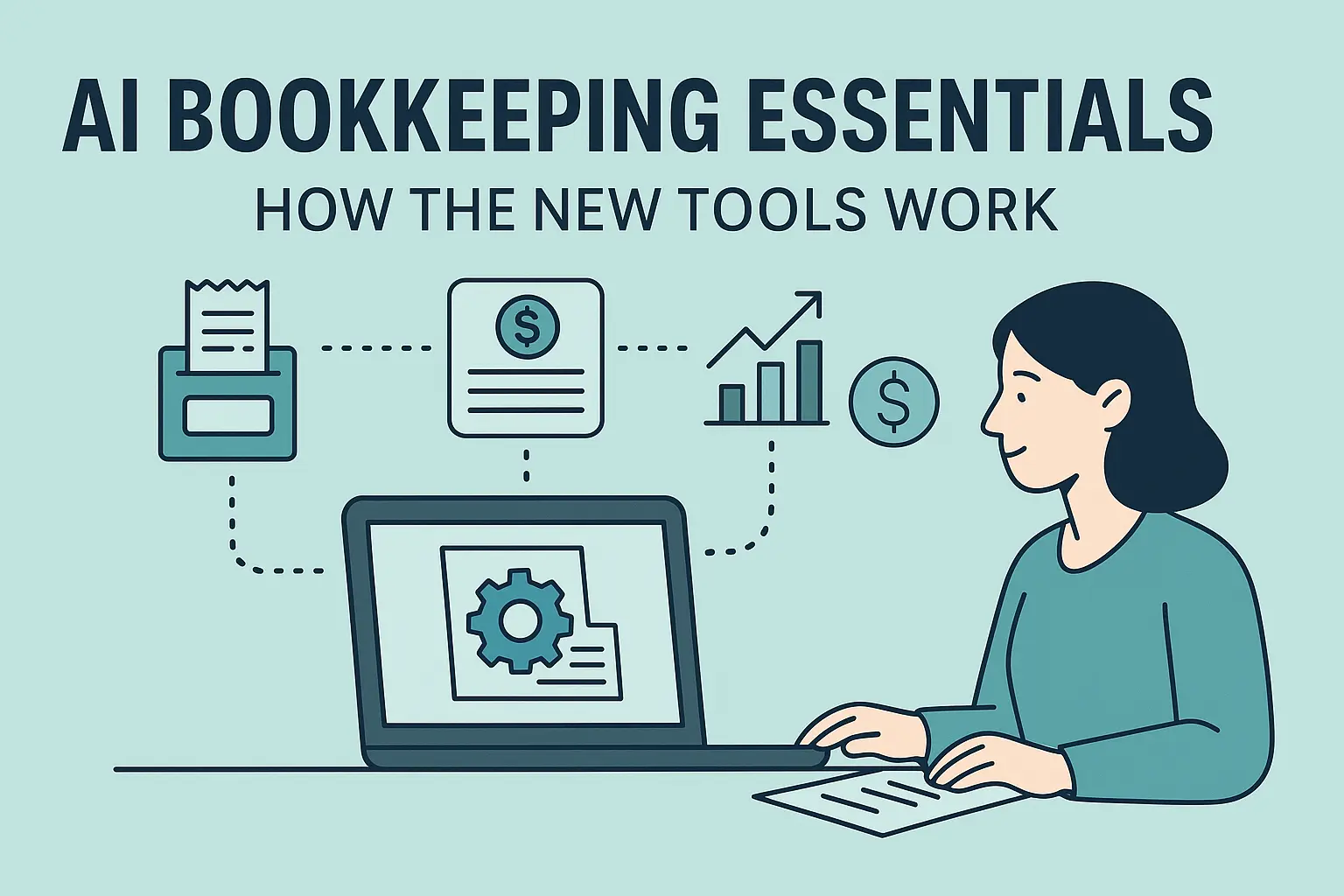
AI bookkeeping tools are apps or software features that use machine learning to handle routine financial tasks. Instead of manually entering numbers or categorizing expenses, these tools learn from your past activity and automate the repetitive work.
They don’t replace your accountant — they simply take care of the “busy work” so you can stay organized between appointments.
How AI Bookkeeping Helps Small Business Owners
Here are the most common ways AI bookkeeping tools support day-to-day business tasks:
1. Automatic Expense Categorization
The system reads your transactions and predicts the category:
- Office supplies
- Meals
- Advertising
- Fuel
- Software subscriptions
Over time, it becomes more accurate based on your corrections.
2. Receipt Scanning and Data Extraction
With a phone photo, AI pulls:
- Vendor
- Date
- Amount
- Tax
- Category suggestion
No more typing receipts into spreadsheets.
3. Smarter Invoice Tracking
AI flags unpaid invoices, identifies recurring late payers, and reminds you before a due date passes.
This helps with cash-flow planning and reduces surprises.
4. Duplicate and Error Detection
AI bookkeeping systems can spot:
- Duplicate charges
- Unusual transactions
- Missing receipts
- Incorrect vendor mappings
These alerts make your books cleaner and easier for your accountant to review.
5. Predictive Cash-Flow Insights
Some tools go beyond sorting data — they help you anticipate future trends.
Examples:
- “You may fall below your cash buffer next month.”
- “Sales are trending down compared to last quarter.”
- “Payroll may exceed incoming payments in two weeks.”
This gives you time to plan instead of reacting too late.
Examples of AI Bookkeeping Tools You Can Use
Depending on your setup, these are currently the most common options (2025):
- QuickBooks Online – built-in AI for categorization and cash-flow projections
- Xero – strong AI matching for invoices and bank feeds
- Wave – free option with automated categorization
- Zoho Books – AI-driven receipt scanning
- Dext – powerful add-on for receipt capture
- Hubdoc – bank statement and bill import automation
You don’t need all of them — one solid tool is enough to start.
Should You Start Using AI Bookkeeping Tools?
If you’re spending more than 2–3 hours a week on paperwork, the answer is usually yes.
AI bookkeeping helps you stay organized so your accountant or CPA can give better advice and prepare cleaner financials.
If you’re not sure where to begin, a short consultation with a CPA who works with AI tools can save you months of trial and error.
Leave a Reply